 Start creating
 See QR use cases
Website and landing page QR codes
Paste a URL and turn it into a scannable code for posters, product inserts, event banners, classroom material, or print ads. Use the larger export size when the QR will be printed big.
Free QR code generator
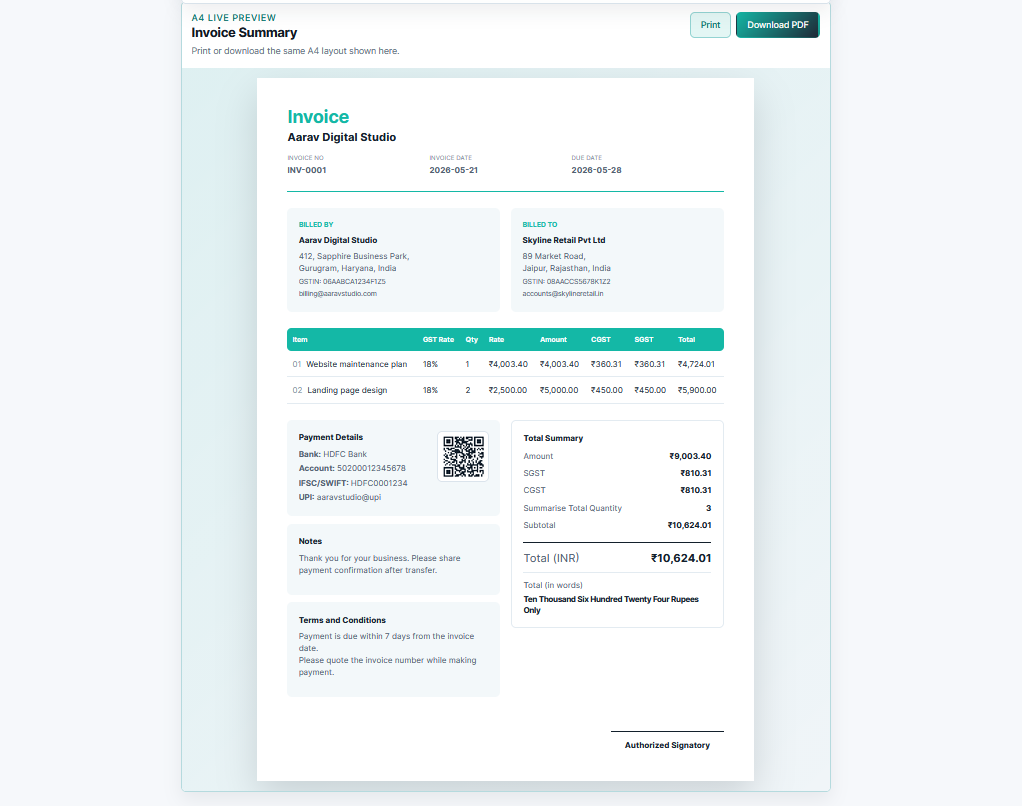
Make a static QR code that points straight to your destination. Add your logo, choose brand colors, export a sharp PNG or PDF, and use it on menus, flyers, invoices, packaging, shop counters, or event signs.
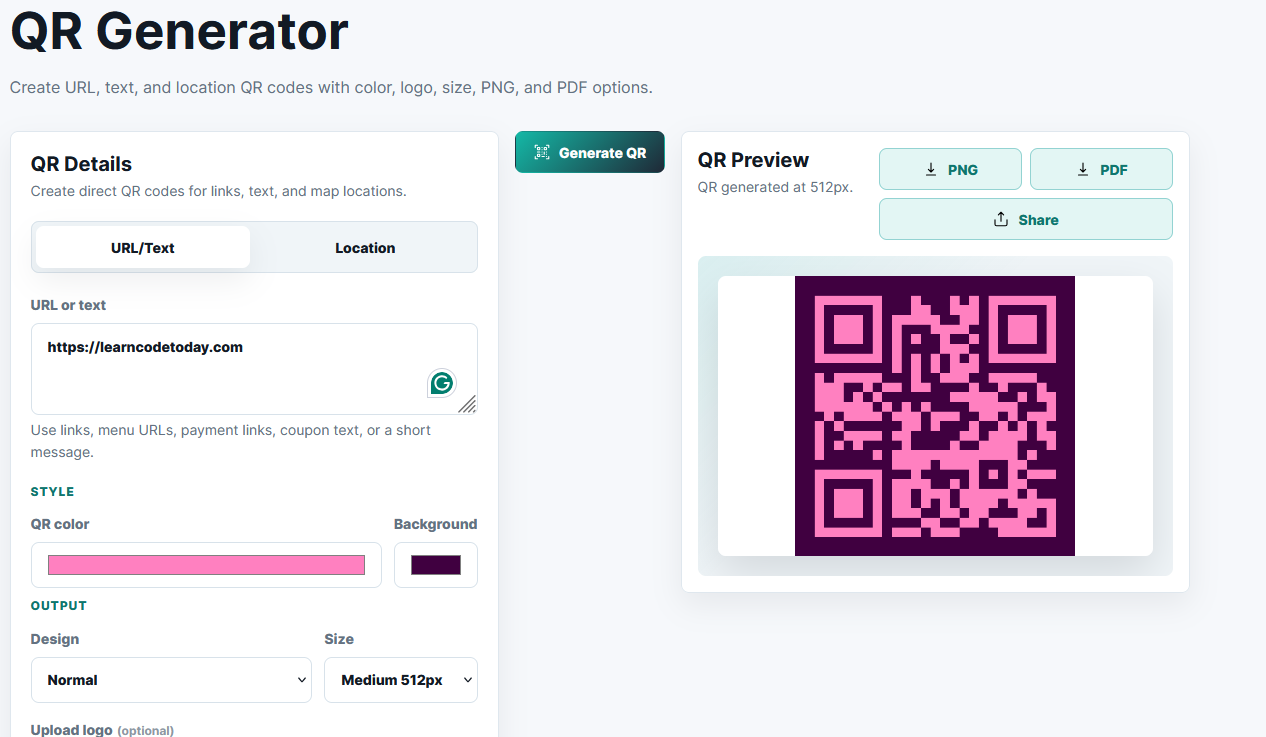
Create direct QR codes for links, text, and map locations.
Use links, menu URLs, payment links, coupon text, or a short message.
Generate a QR to preview it here.
Common uses
Create a QR code for a link, text, or map location, then download it for menus, flyers, invoices, cards, packaging, or event signs.
What you can make
A good QR code should not feel like another step. It should open the menu, map, payment page, coupon, portfolio, WhatsApp chat, or signup form without forcing people through an unknown redirect.
Paste a URL and turn it into a scannable code for posters, product inserts, event banners, classroom material, or print ads. Use the larger export size when the QR will be printed big.
Add a Maps link or coordinates so visitors can open directions in one scan. It is useful for stores, clinics, offices, hotels, stalls, warehouses, and temporary event venues.
Create a QR for a restaurant menu, service list, coupon text, feedback form, WhatsApp link, or short note. Keep the destination simple and test it on two phones before printing.
Why this generator
Many QR tools look free until the final download asks for an account, adds a watermark, or locks logo and high-resolution export behind an upgrade. This page keeps the common work in front: enter the destination, adjust the look, generate the QR, and download.
The code is static, so the scan goes straight to the link or text you entered. That is the right choice for menus, location links, business cards, invoices, labels, classroom handouts, and anything that does not need analytics or editable campaigns.
Privacy note: QR generation runs in your browser. Avoid putting private passwords, secrets, or one-time codes inside any public QR image.
Yes. Enter latitude and longitude or paste a Google Maps URL to create a QR that opens the location.
Yes. Upload a logo and the preview places it in the center with safe padding.